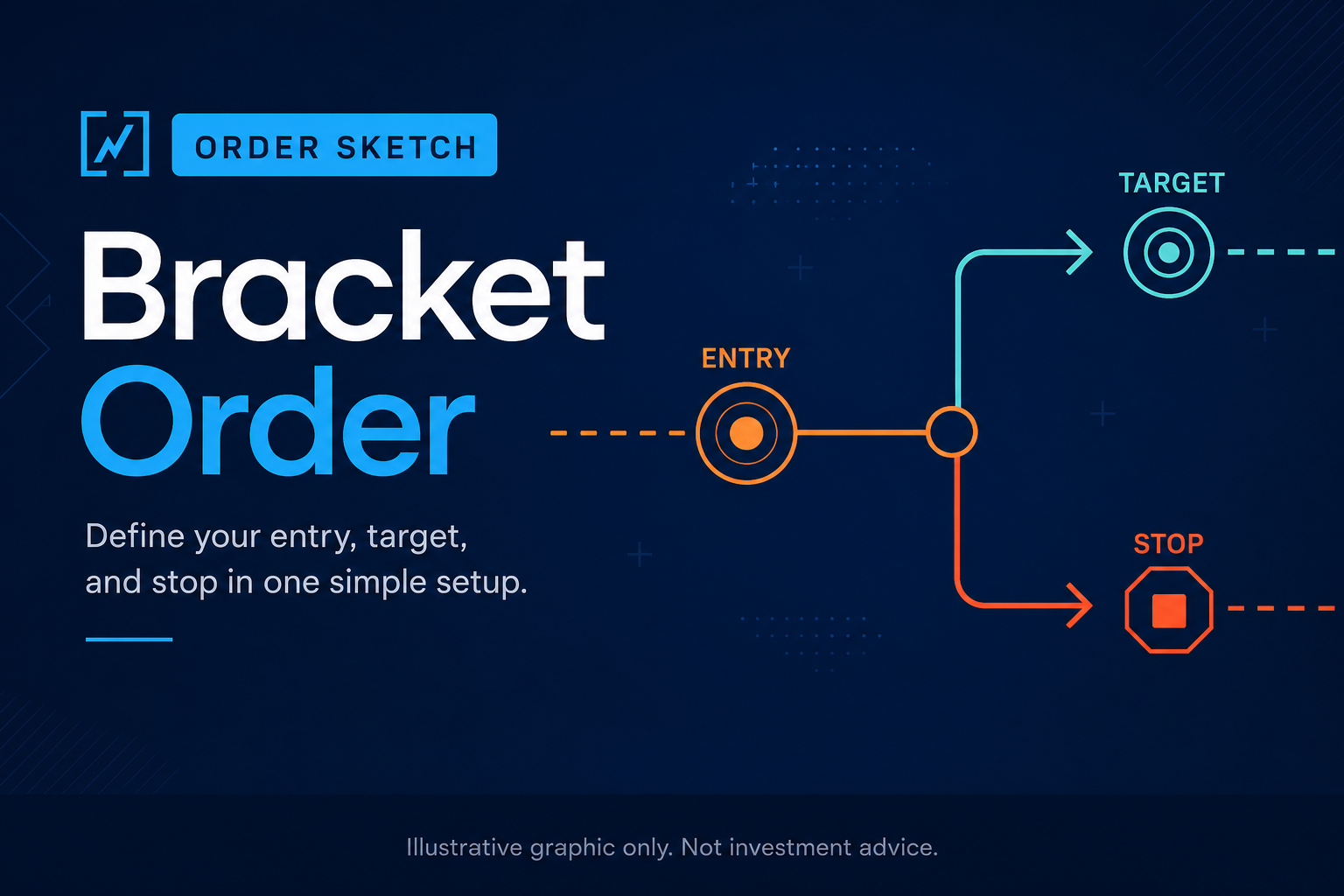
A one-cancels-other order, often called an OCO order, connects two exit orders so that when one fills, the other is canceled.
For active traders, that usually means pairing a profit target with a protective stop. If price reaches the target first, the stop is canceled. If price hits the stop first, the target is canceled. The purpose is simple: define both possible exits ahead of time without leaving conflicting orders open.
OCO orders are not magic protection. They do not decide where your target should be, where your stop belongs, or whether the trade still makes sense. They are useful when the trader already has a clear plan and wants the order structure to reflect that plan before the session starts moving too quickly.
For OHLCX users, OCO fits into the broader structured order entry workflow. It gives traders a way to pair profit-taking and risk-control logic inside the execution process, while still keeping the final trading decision with the user.
What problem does an OCO order solve?
An OCO order solves a practical execution problem: a trader wants two possible exits working, but only one should remain valid once the other happens.
Without OCO, a trader may enter a position, place a target, place a stop, and then manually manage the relationship between those orders. That can work when the trader is focused on one position and the market is moving slowly.
It becomes harder when the trader is managing multiple positions, options contracts, partial exits, or fast-moving price action. If one exit fills and the other order is not canceled, the trader can end up with an order that no longer matches the position.
OCO helps reduce that risk by making the relationship between the two exit orders explicit.
For example:
- A trader buys shares and sets a profit target above the entry.
- The trader also sets a stop below the entry.
- If the profit target fills first, the stop is canceled.
- If the stop fills first, the profit target is canceled.
The key benefit is not that the trade becomes better. The benefit is that the exit structure becomes cleaner and easier to manage.
When OCO exits are useful
OCO exits are most useful when the trade has a defined target and a defined invalidation level.
That may apply when a trader is entering a breakout, a pullback, a mean-reversion setup, or an options trade where the expected move and risk level are already mapped out. In those cases, the trader is not trying to decide later what the exit should be. They are trying to make sure the plan is already reflected in the order workflow.
OCO can help when:
- The trader has a clear profit target and stop level.
- The position needs protection immediately after entry.
- The trader does not want to manually cancel the opposite exit.
- Multiple positions are being managed at the same time.
- The trader wants fewer manual decisions during live price movement.
This is where OCO works well inside OHLCX. The exit logic can be selected as part of structured order entry instead of treated as a separate task after the trade is open.
That matters because many trading mistakes happen after the idea is already formed. The issue is not always the setup. It is the order entry, exit attachment, quantity, timing, or follow-through.
reauthoring bracket spacing or size
When OCO can create false comfort
OCO orders are helpful, but they can also make a weak plan look more disciplined than it really is.
A bracket does not make a bad stop good. It does not account for gaps, halted trading, poor liquidity, changing volatility, or a thesis that no longer fits the market. If the levels are wrong, the order can still behave exactly as instructed and produce a poor outcome.
This is especially important with options or thinly traded instruments. A target can fill differently than expected. A stop can trigger in a fast move. A spread can widen. A level that looked clean on the chart may not match the actual liquidity available when price gets there.
OCO should not replace judgment. It should support a plan the trader has already thought through.
Before relying on OCO, the trader should be able to answer:
- Why is this profit target the right level?
- Why does this stop represent invalidation?
- What happens if only part of the position fills?
- Is the position size appropriate for the account?
- Does this trade add too much exposure to the same theme or direction?
The order structure can help manage execution, but the trader still owns the risk decision.
How OCO fits with TSP, TRIM, and staged exits
OCO is one exit structure, not the only one.
Some trades need a fixed target and a fixed stop. Others need a trailing stop, staged partial exits, or a more flexible approach to managing the remaining position.
That is where the difference between OCO, TSP, TRIM, and TRIMMER matters.
OCO is useful when the trader wants a paired target and stop where one cancels the other.
TSP, or Trailing Stop Price, is useful when the trader wants the stop to adjust as price moves favorably.
TRIM supports staged exits where the trader plans to reduce the position in pieces.
TRIMMER supports a more adaptive staged exit workflow, where the trader defines the exit structure and the remaining position adjusts as configured.
The right choice depends on the trade plan. A simple trade may only need OCO. A runner may need a trailing stop. A multi-contract options position may need staged exits. A more active trader may want to define several exit behaviors before the order goes live.
OHLCX is designed to bring those choices into the execution workflow so traders can define the exit structure earlier, not after the position is already moving.
Verify the order after partial fills
OCO does not remove the need to verify live order status.
After a partial fill, the trader still needs to confirm that the remaining order quantity matches the remaining position. This is especially important when scaling out, editing orders from multiple devices, or reconnecting after a session refresh.
A clean OCO workflow should make it easier to see what is open, what filled, what canceled, and what still needs attention. But the trader should still check the authoritative order state.
This matters because the risk is not only whether the original bracket was entered correctly. The risk is whether the order still matches the position after something changes.
A trader should verify:
- The open position size
- The active stop or target quantity
- Any canceled sibling order
- Any replacement order
- Whether the remaining position still matches the trade plan
This is where structured execution and risk visibility work together. OCO may handle the paired exit relationship, but the trader still needs to understand total exposure across the account.
OCO and portfolio risk
A clean OCO setup on one symbol can still be risky inside a crowded book.
For example, five positions may each have a target and a stop. On paper, each trade may look controlled. But if all five positions are tied to the same sector, index move, volatility event, or macro theme, they may all move against the trader at the same time.
That is why OCO should not be viewed only at the symbol level. It should be considered alongside account exposure.
OHLCX’s Risk Gauge and portfolio views are meant to support that broader view. The question is not just, “Does this trade have a stop?” The better question is, “What does this trade do to my total risk if it is added now?”
For active traders, that distinction matters. OCO can make a single order more structured. Risk visibility helps show whether the full book still makes sense.
OCO checklist before the order goes live
Before using OCO as part of the execution workflow, traders should review the setup clearly.
A practical checklist includes:
- Confirm the entry, target, and stop levels.
- Confirm the order side and quantity.
- Check whether the target and stop match the current liquidity.
- Decide whether the position needs a fixed exit, trailing stop, or staged exit.
- Review account exposure before adding the trade.
- Confirm what should happen if there is a partial fill.
- Know how to verify open orders directly through the broker if needed.
This does not need to be complicated. The goal is to make the order match the plan before the trader is under pressure.
Using OCO inside a disciplined workflow
OCO exits are useful when the trade has two clear outcomes: take profit at a defined level or exit if the trade is invalidated.
They are less useful when the trader is still unsure about the setup, the stop, the target, or the position size. In those cases, the problem is not the order type. The problem is that the trade plan is not ready.
OHLCX supports OCO as part of a broader execution workflow built around structured order entry, exit selection, risk visibility, and optional automation. The purpose is not to automate judgment. The purpose is to help traders turn their own rules into cleaner order logic before the order goes live.
For traders who already use bracket logic, staged exits, trailing stops, or partial position management, OCO is one of the core building blocks. It helps keep paired exits connected, reduces manual cleanup, and gives the trader a clearer way to manage the path from entry to exit.
Request access to evaluate OHLCX structured tickets and live exit workflows, or explore the platform to see how OCO, TSP, TRIM, and TRIMMER fit into an execution-first trading process.
Leave a Reply